

Account Settings
Opening Settings
Section titled “Opening Settings”Click Settings in the left sidebar rail (gear icon, bottom), or navigate to /settings. Click Back to editor at any time to return to the Designer.
Account section
Section titled “Account section”The Account section (mail icon) shows your core account details.
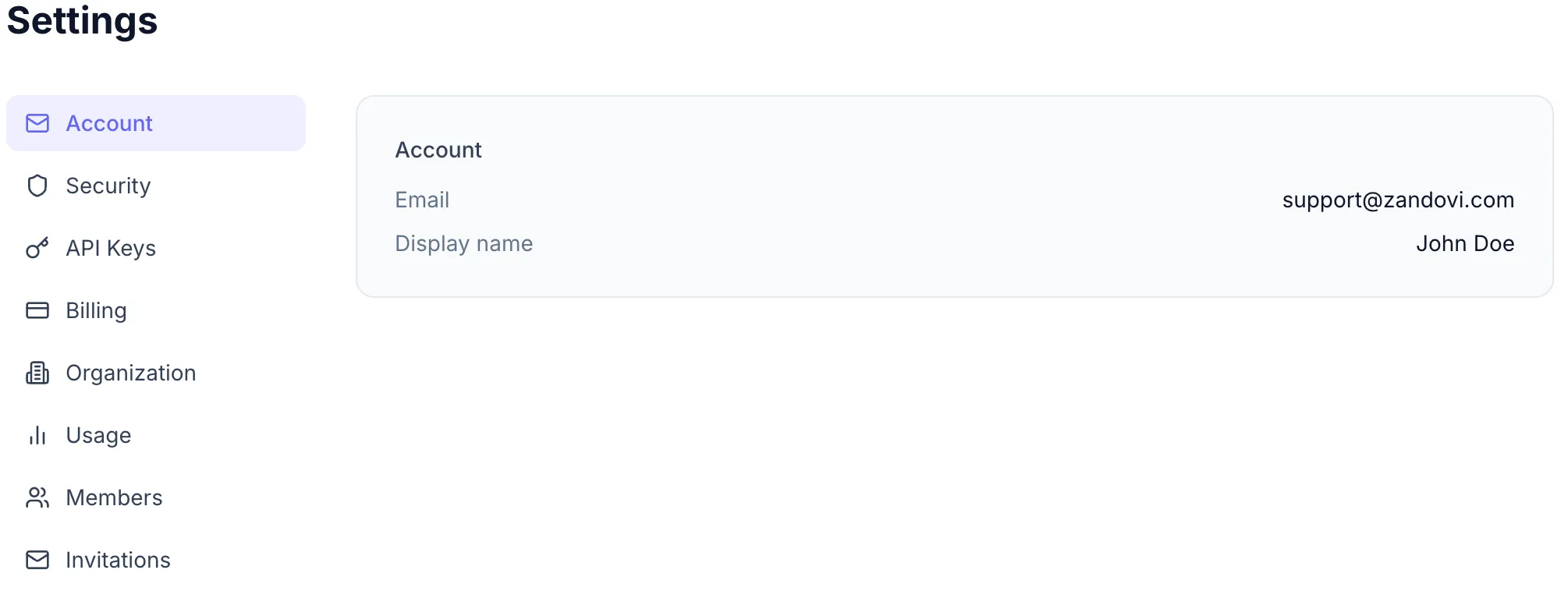
What you can see
Section titled “What you can see”| Field | Details |
|---|---|
| The address you registered with (read-only) | |
| Display name | How your name appears to teammates |