Press ? in the Designer (or open the Help menu, the ? icon in the header, and choose Keyboard shortcuts) to open the in-app shortcuts reference.
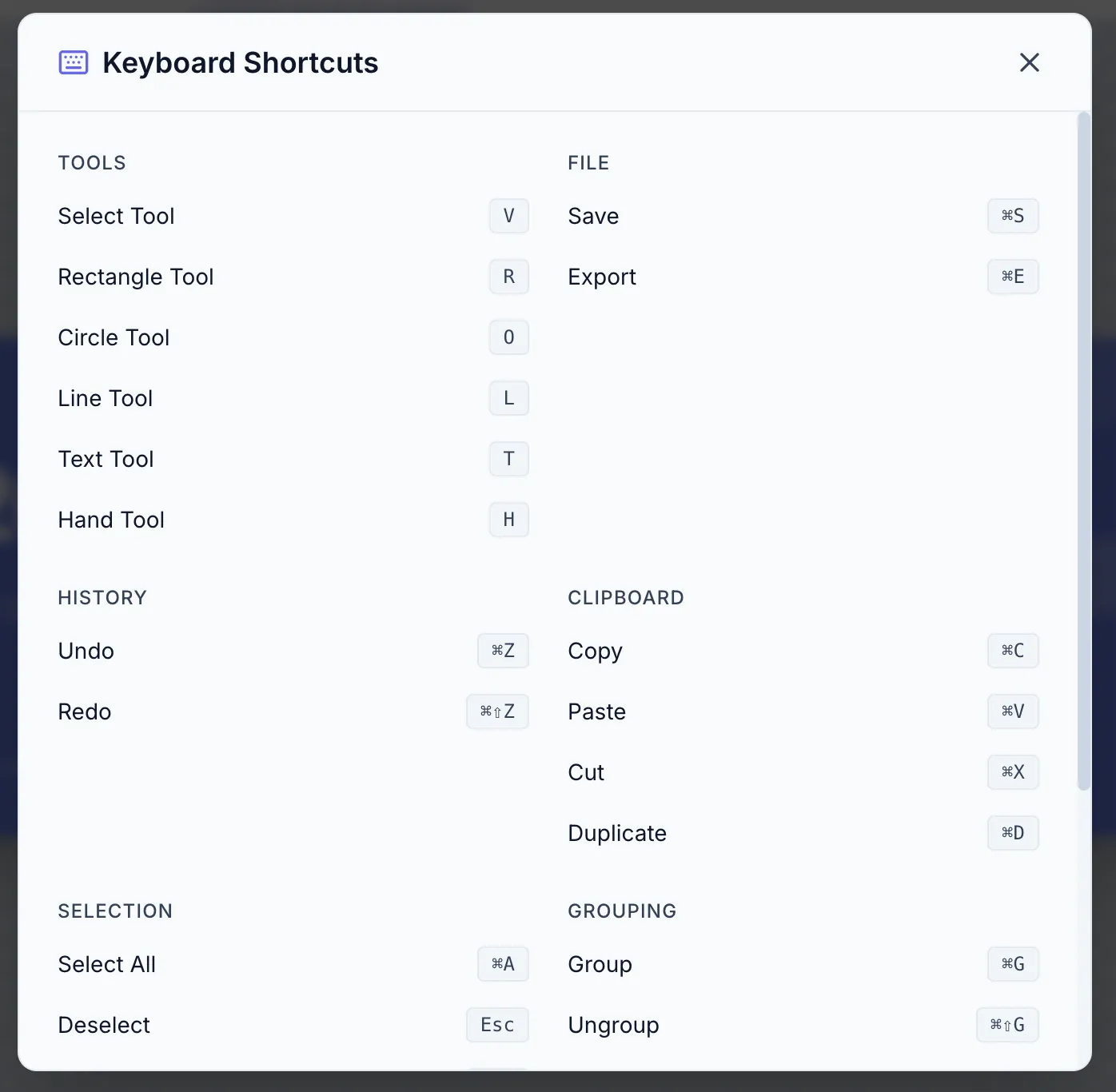
| Shortcut | Action |
|---|
V | Select tool |
H | Hand (pan) tool |
R | Rectangle |
O | Circle |
E | Ellipse |
L | Line |
A | Arrow |
S | Star |
P | Polygon |
G | Triangle |
U | Curved Rectangle |
T | Text |
I | Image Variable (adds a placeholder at the center of the canvas) |
Q | QR Code |
B | Barcode |
| Shortcut | Action |
|---|
⌘Z / Ctrl+Z | Undo |
⌘⇧Z / Ctrl+Shift+Z (or ⌘Y / Ctrl+Y) | Redo |
⌘C / Ctrl+C | Copy |
⌘V / Ctrl+V | Paste |
⌘X / Ctrl+X | Cut |
⌘D / Ctrl+D | Duplicate |
Delete / Backspace | Delete selected element(s) |
⌘A / Ctrl+A | Select all |
Escape | Deselect |
| Shortcut | Action |
|---|
⌘⇧] / Ctrl+Shift+] | Bring to Front |
⌘] / Ctrl+] | Bring Forward |
⌘[ / Ctrl+[ | Send Backward |
⌘⇧[ / Ctrl+Shift+[ | Send to Back |
These layer-order shortcuts apply only when a single element is selected. For multiple elements, use the Layer Order control in the floating selection menu.
| Shortcut | Action |
|---|
⌘G / Ctrl+G | Group selected elements |
⌘⇧G / Ctrl+Shift+G | Ungroup |
Available when 2+ elements are selected (hold ⌥/Alt).
| Shortcut | Action |
|---|
⌥A / Alt+A | Align left |
⌥H / Alt+H | Align center (horizontal) |
⌥D / Alt+D | Align right |
⌥W / Alt+W | Align top |
⌥V / Alt+V | Align center (vertical) |
⌥S / Alt+S | Align bottom |
⌥⇧H / Alt+Shift+H | Distribute horizontally (3+ elements) |
⌥⇧V / Alt+Shift+V | Distribute vertically (3+ elements) |
| Shortcut | Action |
|---|
⌘+ / Ctrl++ | Zoom in |
⌘- / Ctrl+- | Zoom out |
⌘0 / Ctrl+0 | Reset zoom to 100% |
Mouse wheel + ⌘/Ctrl | Zoom in/out |
| Middle mouse drag | Pan |
| Shortcut | Action |
|---|
⌘O / Ctrl+O | Switch project (opens the project switcher in the header breadcrumb) |
⌘S / Ctrl+S | Save template |
? | Open keyboard shortcuts |